AKASHA / GALLERYA place for
A place for
your memories.
Choose a work, write about a moment that stayed with you, and return to your own library. Take a closer look inside AKASHA.
Screenshots show the Korean app interface. Select an image to enlarge it.
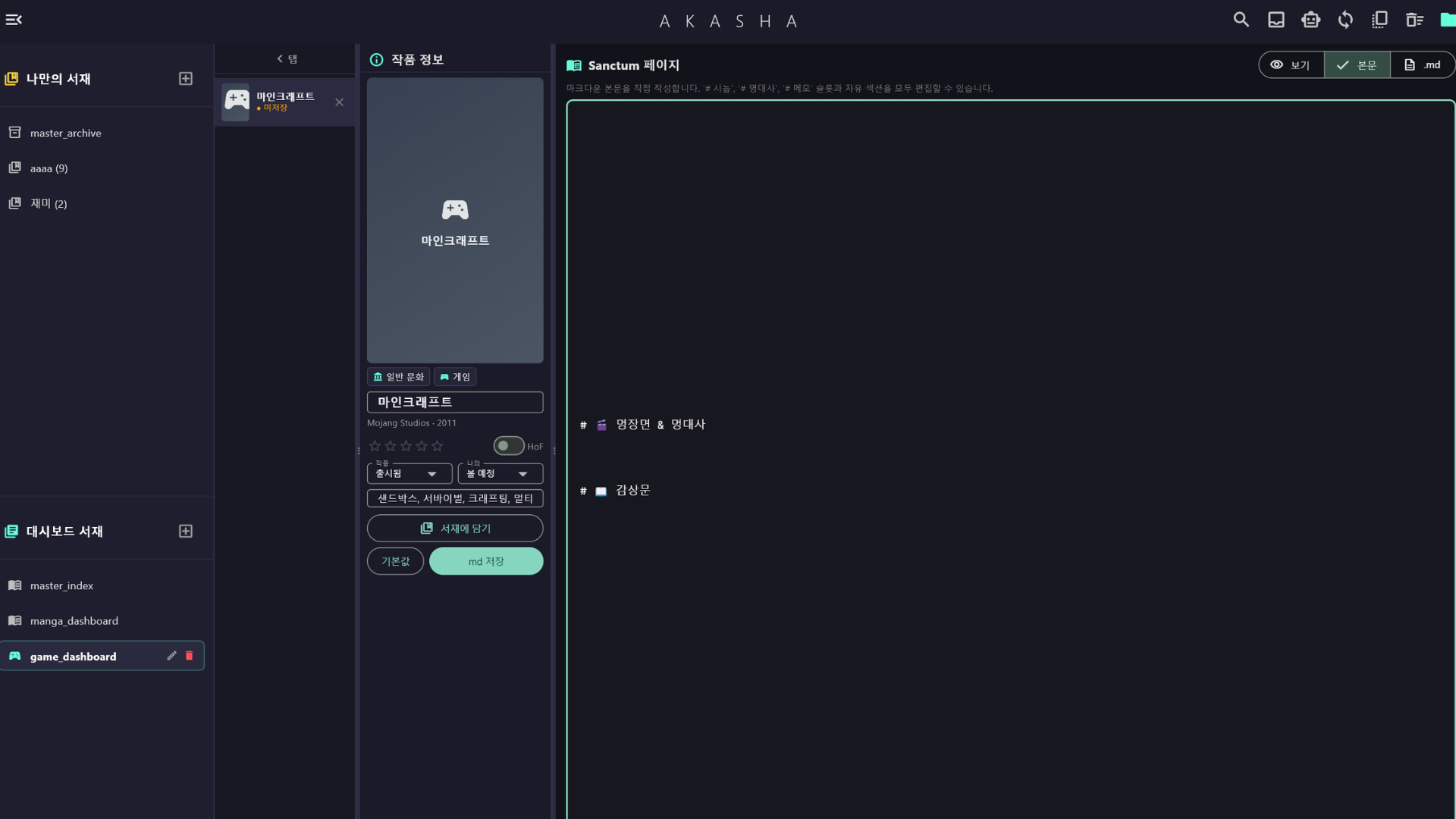
One work, one page
The Sanctum editor sits beside the work’s details, with space for memorable scenes, quotes, and a review.
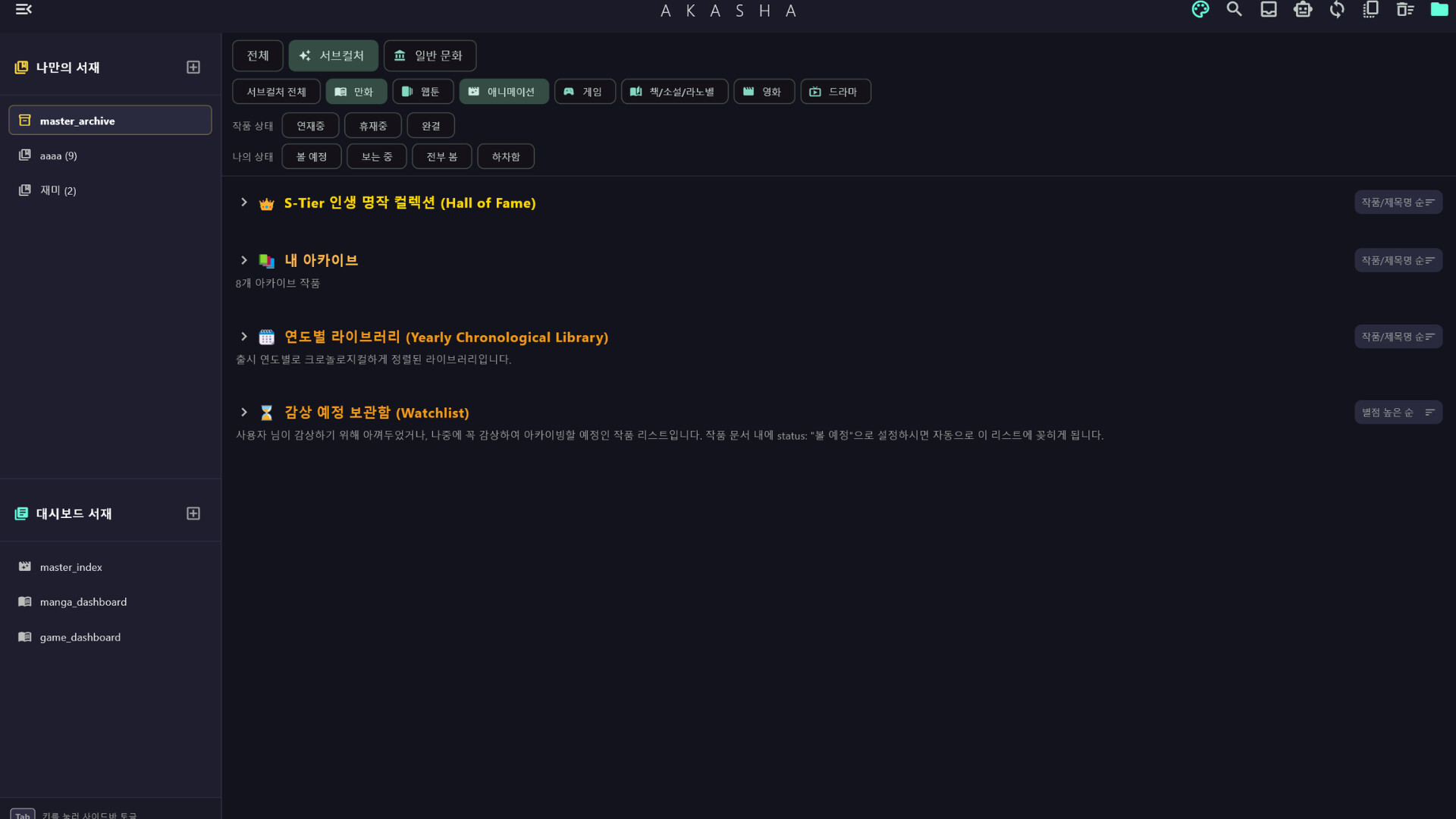
Your own library
A library overview with the Hall of Fame, personal archive, yearly library, and watchlist.
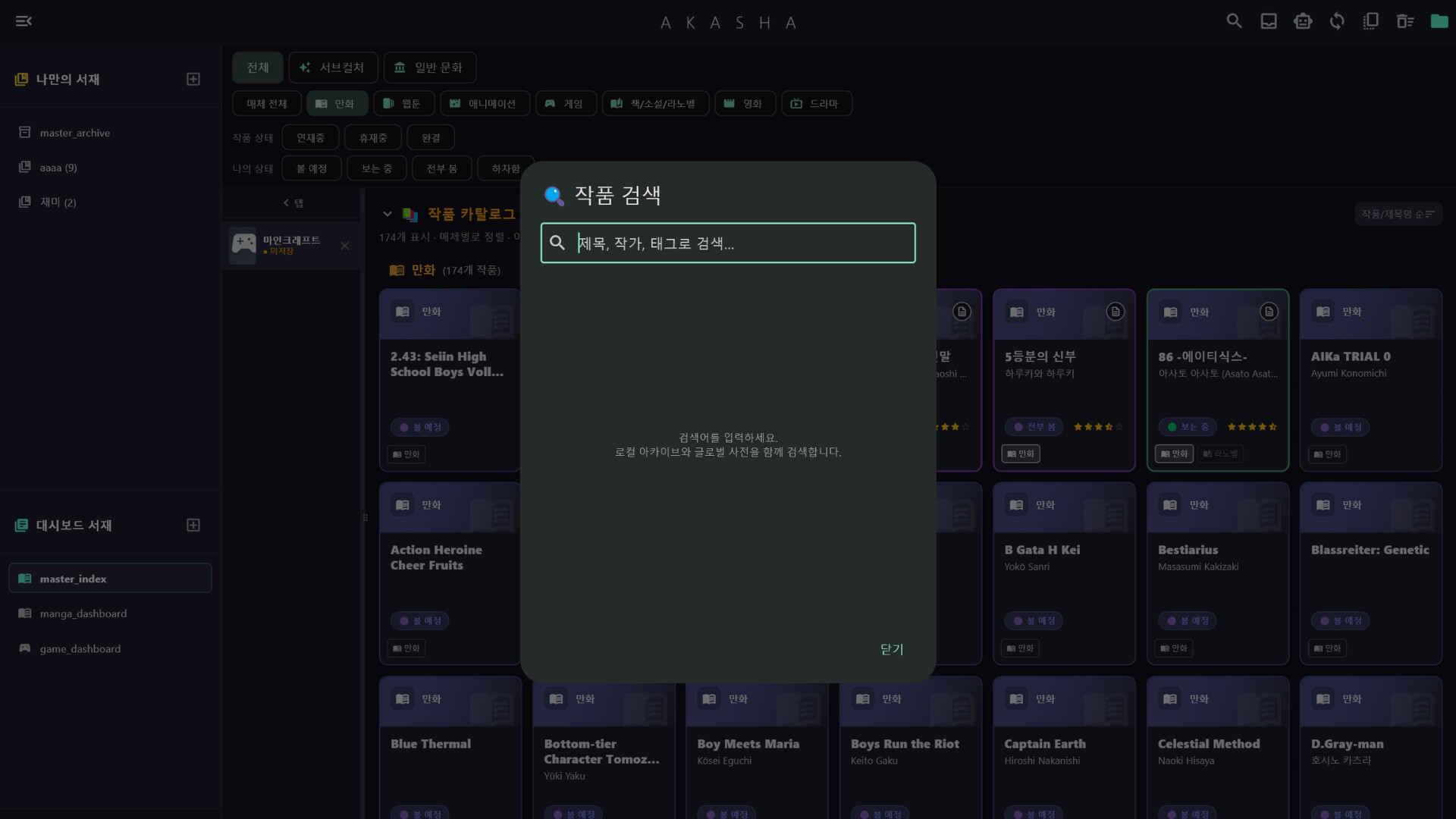
Finding a work
A search dialog for titles, creators, and tags, opened above the library’s work cards.
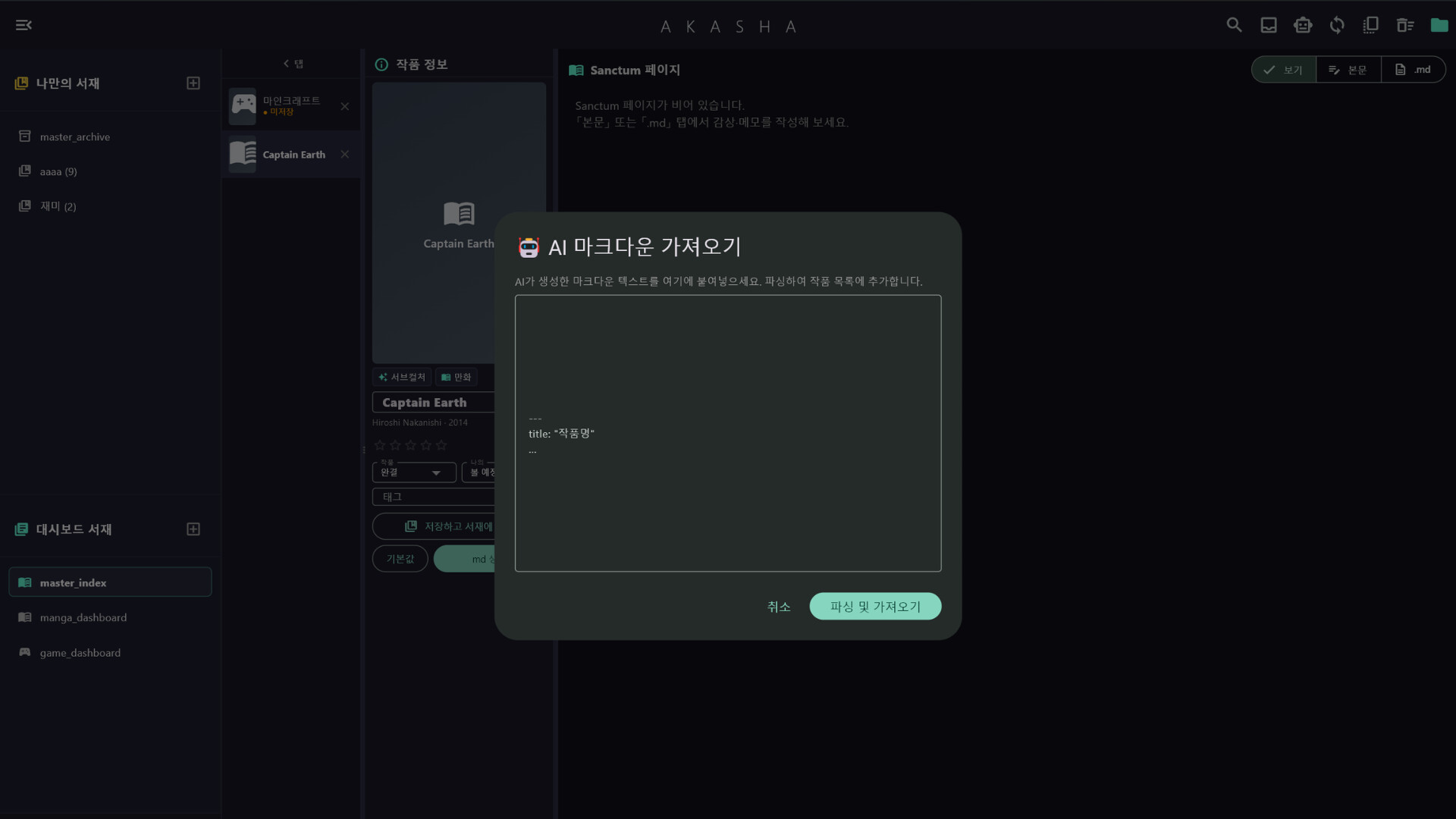
Bringing in a record
The “AI Markdown Import” dialog, with a field for pasting Markdown text.
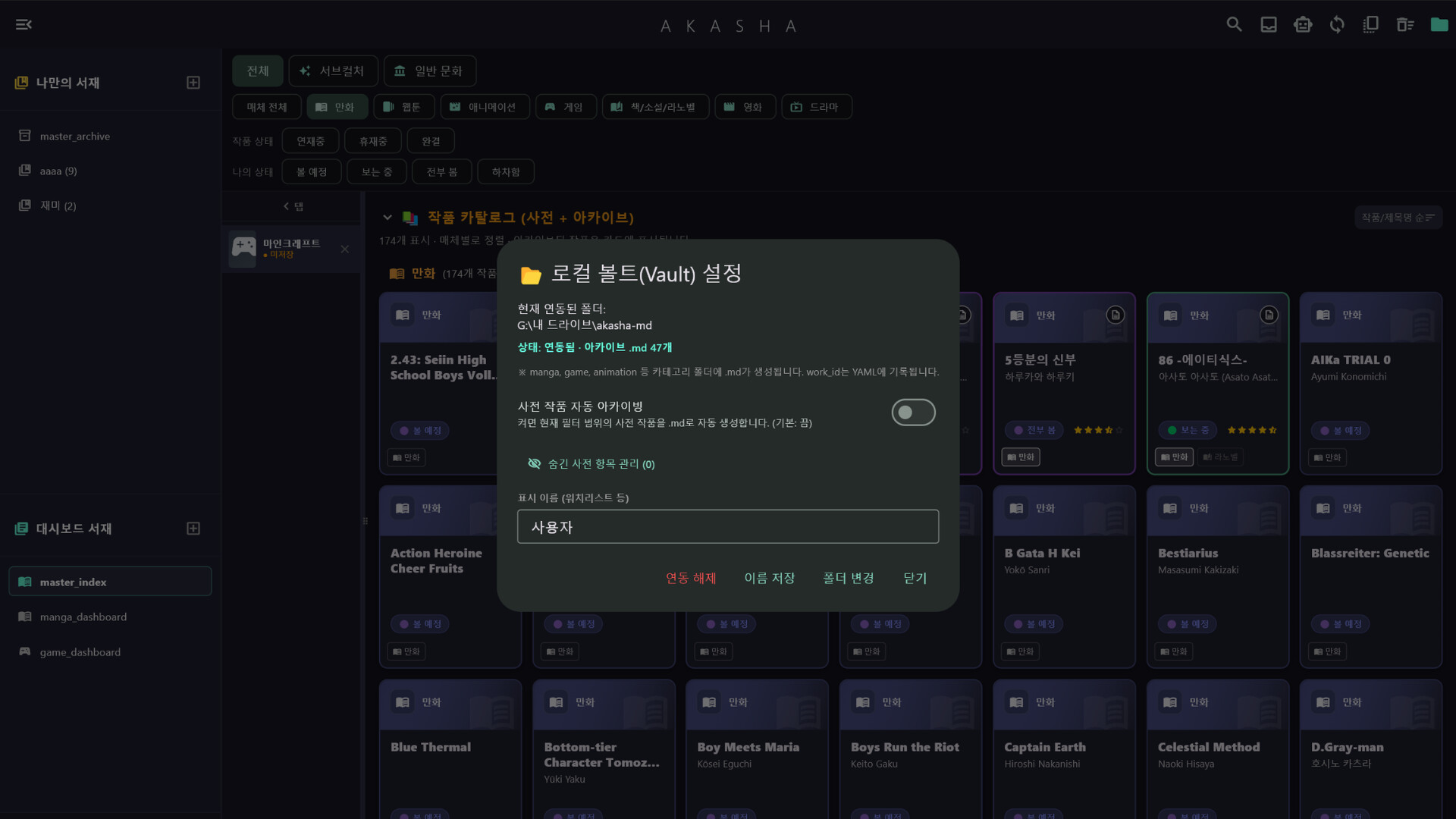
A home for your files
Local Vault settings, showing the storage path and options including automatic backups.
IN MOTION
Watch on Steam See AKASHA in motion.
Watch the AKASHA introduction video on Steam.
A new page is waiting for you.
Find AKASHA on Steam